


How to Open an Image Widget Link in a New Browser Tab in WordPress

In this tutorial, we will show you how to add to a WordPress Image widget a link that opens in a new browser tab.

How to set a link from an image widget with a view in a new window
The setup is very simple and no plugin is required.
Go to Appearance → Widgets and find / create the Image widget you want to edit.
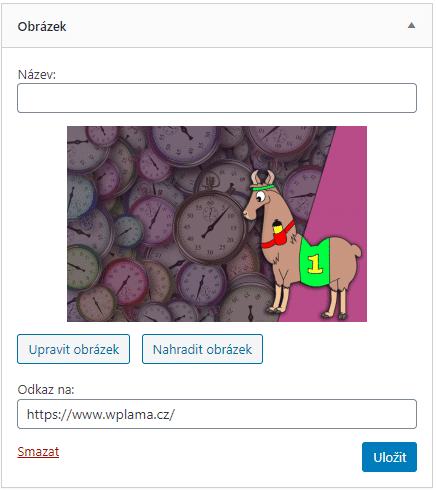
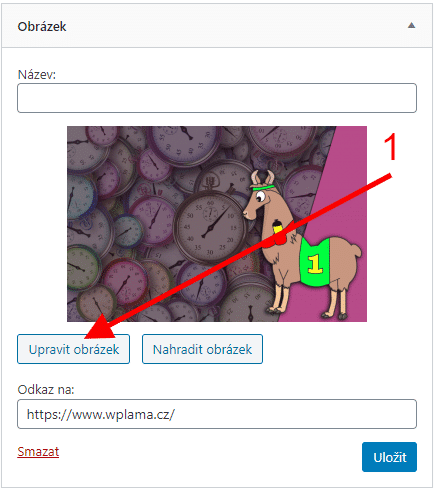
Click the button Edit the picture.
An image Details pop-up appears. Expand Advanced options and select Open link in a new tab.
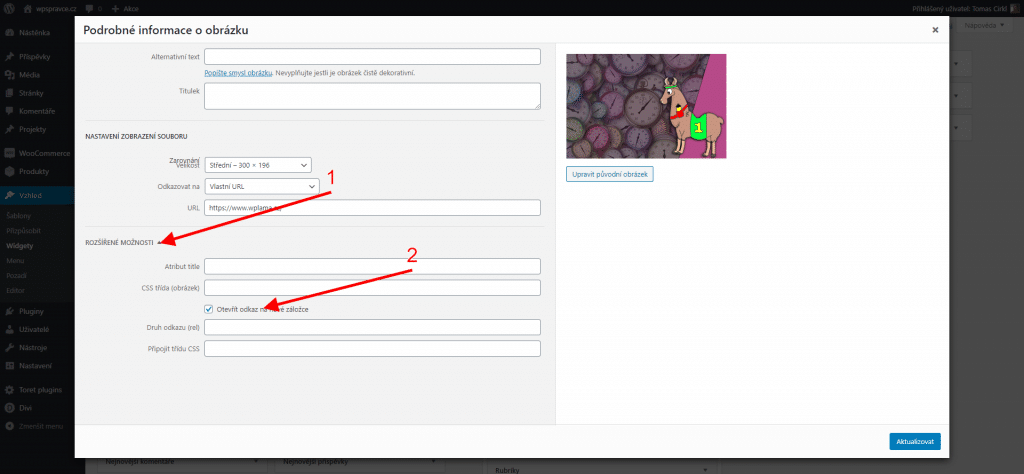
Finally, just click on the button Update and save the widget.
Advertisements
