


How to protect your WordPress site view with your password

Are you creating a page just for a certain group of people and you don’t want it to be open to the public? In today’s article, we will show you a plugin that you can use to encrypt your web view.

We will use a plugin for this Password Protected, which is located in the official catalog of plugins and can be installed directly from the WordPress administration.
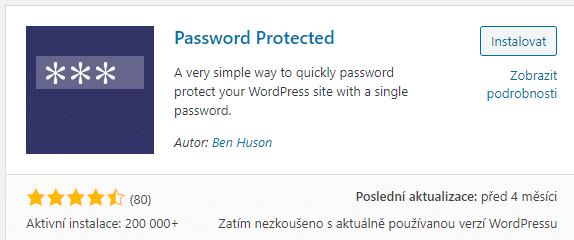
After installation and activation, go to the plugin settings, which you can find in Settings → Password protected.
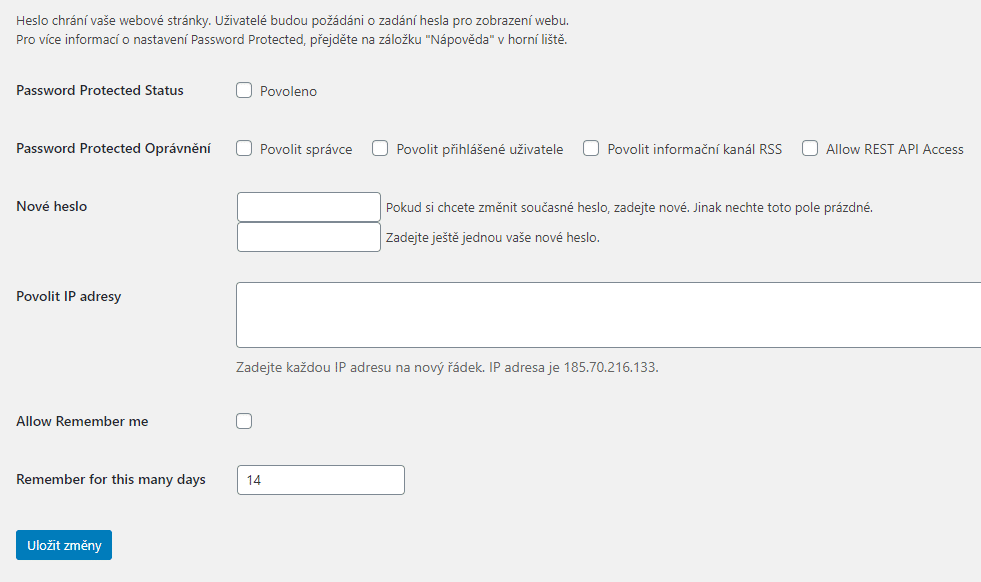
- Password Protected Status – activates password protection for the website.
- Protected Permissions – rules for users who do not need to enter the password.
- New Password – enter the password and its confirmation.
- Allow IP Addresses – enter the IP address for users who will then not need to enter the password.
- Allow Remember me – allows the option to remember the entered password to be checked, so the user stores the password in cookies for a defined period and does not need to enter it every time they visit the site.
- Remember for this many days – sets the cookie validity period in days.
After the setup is complete, save everything and your site is password protected.
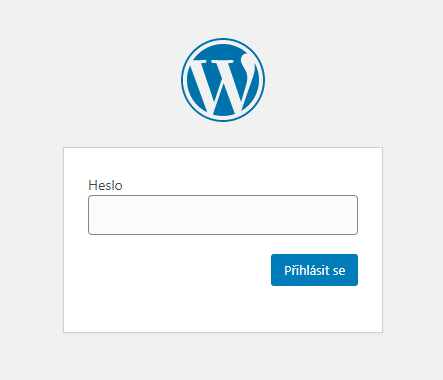
The plugin works with plugins Login Logo and Uber Logo Logothat will allow you to change the default WordPress logo to your own.
Advertisements
