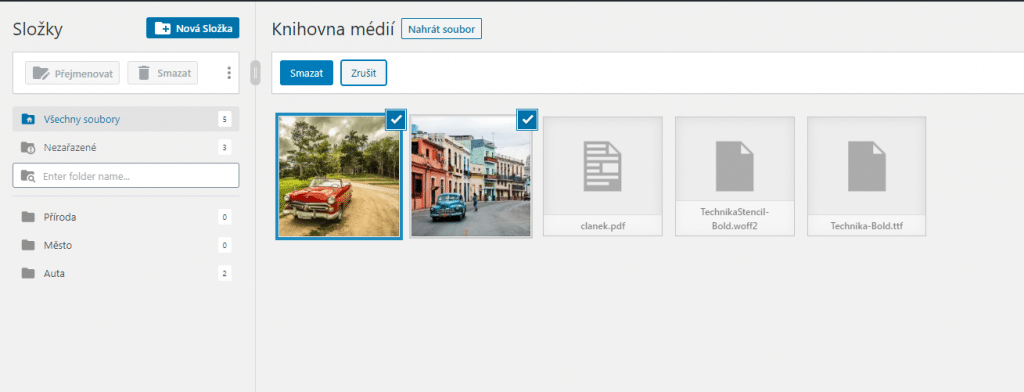
How to organize media files in WordPress

By default, WordPress creates folders for media files based on year and month. That is, keyword search and sort by file type is the only available filtering in the section Media.
 Non-destructive
deterrence of
rodents,
wildlife
and snakes.
Creating folders for media files in WordPress
Plugin FileBird – WordPress Media Library Folders & File Manager Allows the creation of custom folders for media files. The plugin can be found in the official plugin catalog and can be installed directly from the WordPress administration.
filebird It has no specific setting. It works immediately after activation. Once you go to the section Media, You can immediately see the modified page structure.
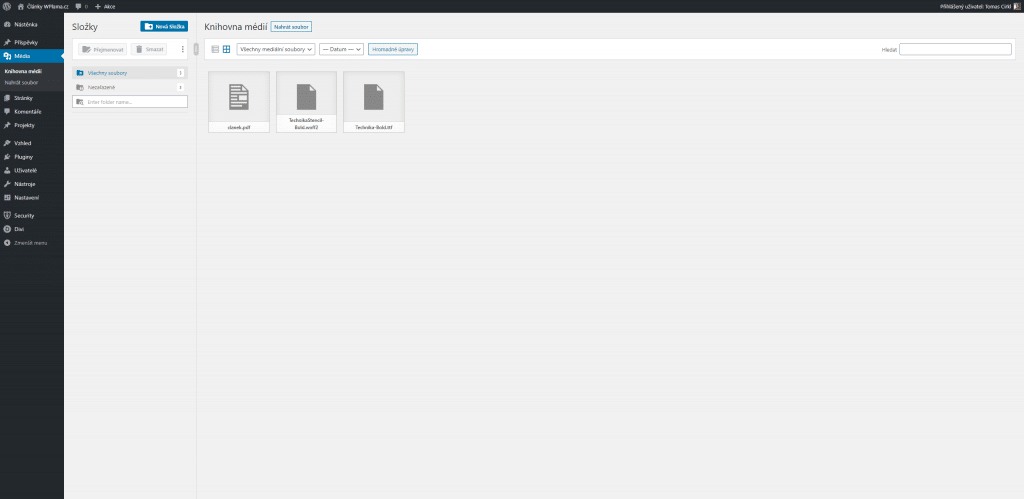
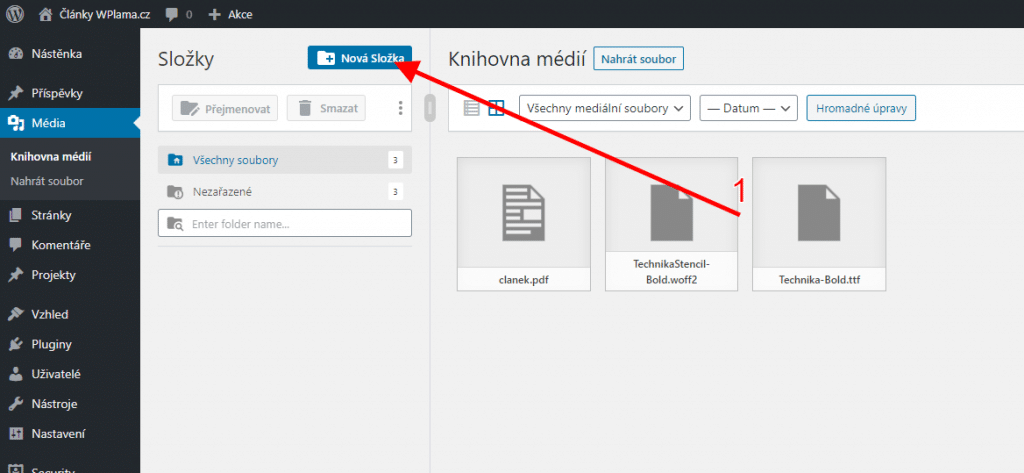
On the left side you have a folder manager and the option to create a new folder.
You can drag already uploaded files into newly created folders, or use the Upload file button at the top of the screen to add media files from your computer.
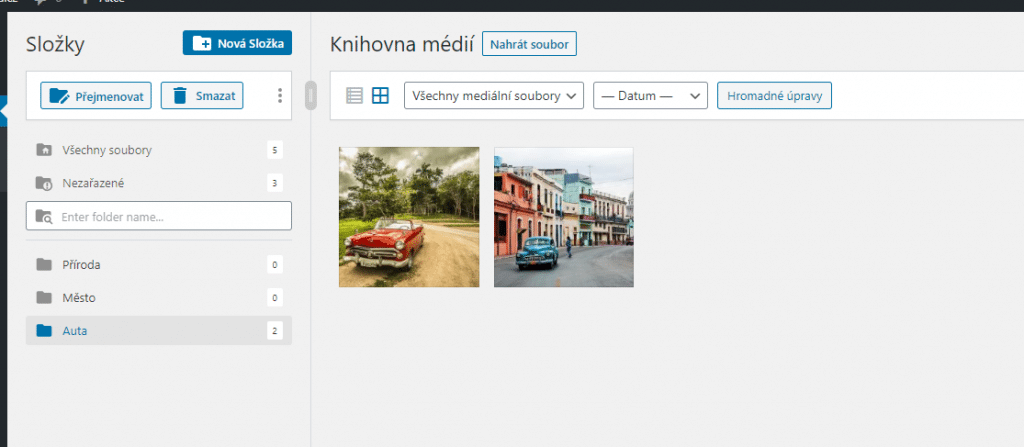
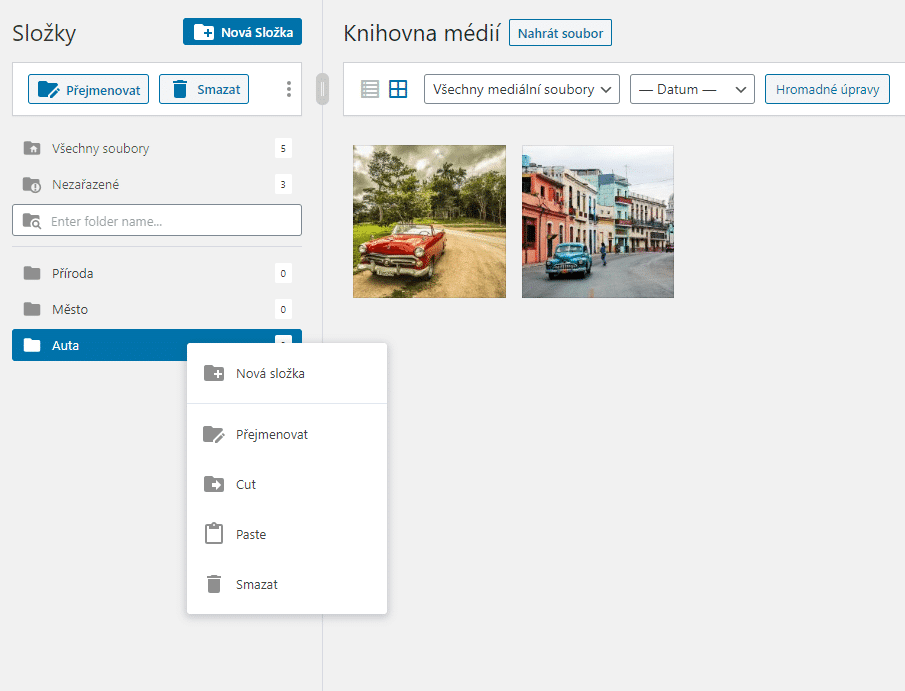
Folders can be managed at the top of the left column (create a new one, rename or delete it). Alternatively, using the right mouse button, where there is an additional option to select and insert.
It also allows bulk image editing. Activate the mode using the Bulk Edit button in the top bar, and you can select and move/delete files.