


How to find a picture URL uploaded to WordPress

When uploading an image (or any other file) through the Media section in WordPress, each file gets its own unique URL. It includes a domain, followed by / wp-content / uploads /, then there is the date when the file was uploaded and its name.
 Non-destructive
deterrence of
rodents,
wildlife
and snakes.
How to find a URL of a file uploaded through the WordPress administration
First you need to go to the section in WordPress administration Media → Media library.
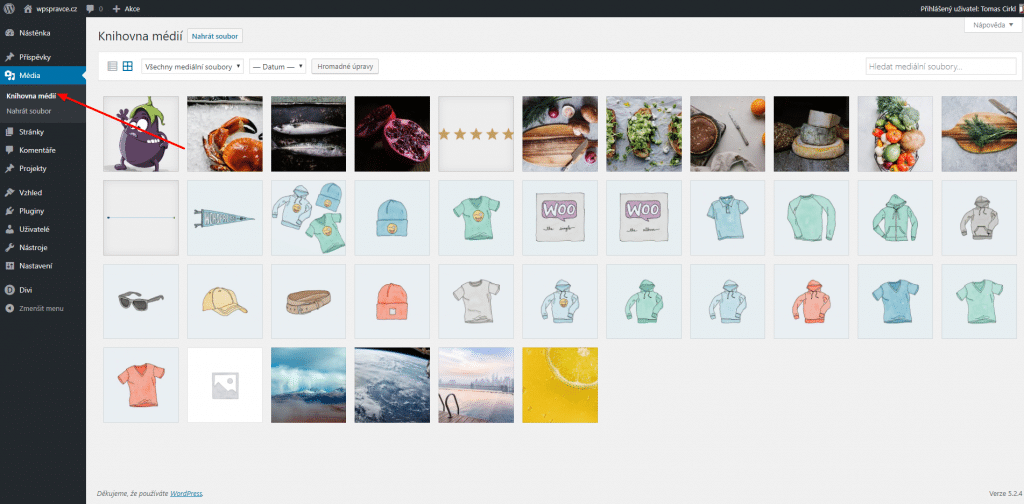
Find the file whose URL you want to obtain and click it.
A pop-up window appears with information about the file. In the right column, you will find file information such as alt text, title or caption, with the Copy link item at the end.
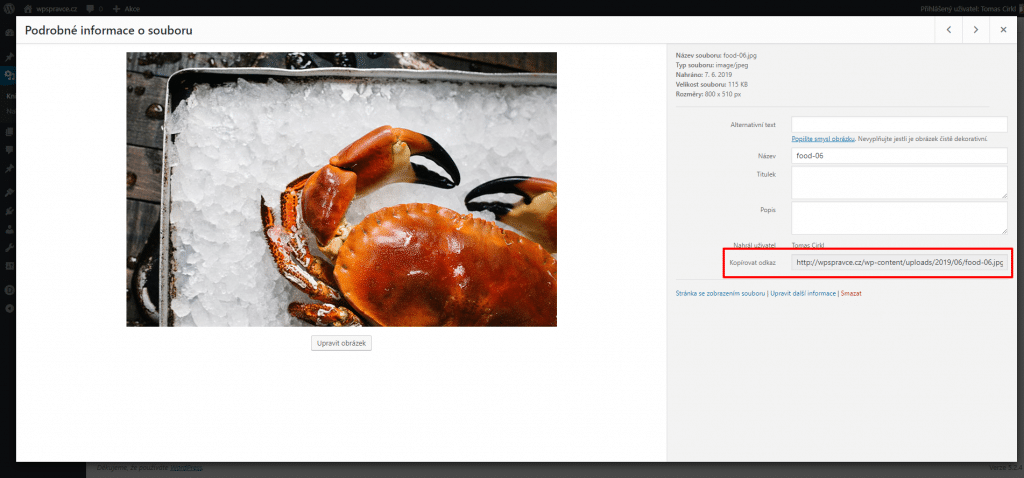
Copy the link and you have the URL of the uploaded file.
Advertisements
