


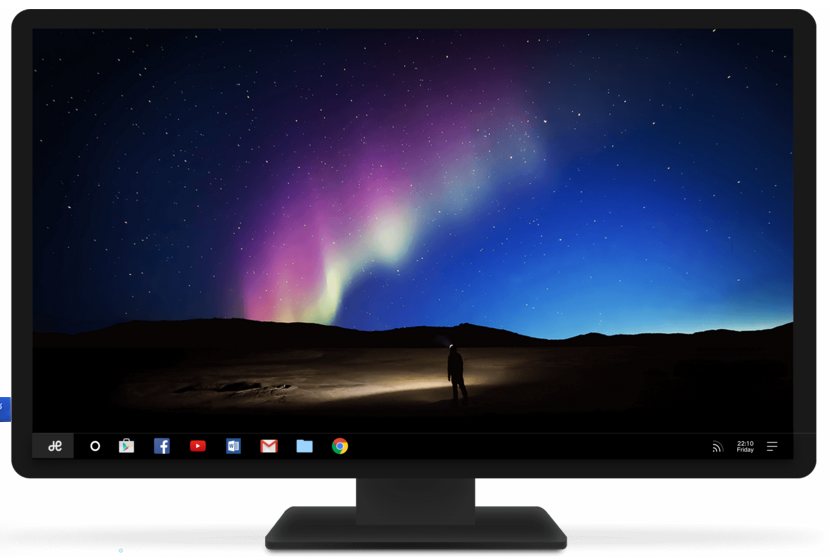
Tutorial: How to easily and quickly run Android OS on your computer

 Let’s say you need, or rather, want to run Android apps or games on your PC or laptop.
You have various emulation tools or third-party programs at your disposal, but this month a much more elegant solution has been added to them.
 Nedeštruktívne
Technoogie
ktoré nikde nekúpiš.
It is a Remix OS operating system. It is basically an Android platform, which, however, looks or uses elements known from the Windows environment. Therefore, the use of such an operating system should not cause problems even for less experienced users.
The Remix OS operating system is the responsibility of former employees of Google, while they also developed it with specific hardware. This month, however, the authors decided to make the Remix OS operating system available to the public, completely free of charge.
{googleads left}
The only thing you will need to use this operating system is a computer with x86 architecture (almost any PC and some Apple Macs) and a USB 3.0 flash drive with a minimum capacity of 8 GB, formatted as FAT 32. Copy Remix OS to the USB drive (Download here), you restart your computer and boot from this USB.
You will then be able to log in to your Google account, install applications, games and actually do everything on your smartphone or tablet. The whole process is amazingly simple. The demo video below will tell you what such an operating system looks like.
Video
Source: androidportal.zoznam.sk
